Drive More Views With a Youtube QR Code Generator
YouTube QR codes make it easier to connect your audience directly to your video content in seconds. Whether you’re promoting a product, sharing tutorials, or showcasing events, they help turn offline attention into online views.
With a QR code, you can:
- Increase video views by placing codes in high-visibility locations
- Make it easy for users to access your content instantly
- Promote products, events, or services through engaging video content
- Enhance your marketing materials with interactive elements
- Strengthen your brand by customizing QR codes to match your style
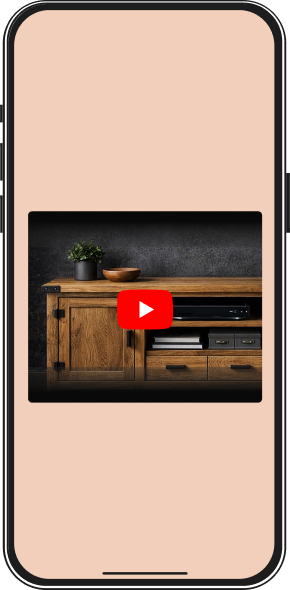
3 Simple Steps To Create a YouTube QR Code
Creating and using a YouTube QR code is quick and straightforward with QRNow when taking advantage of our generator during a 7-day full-access trial period. Follow these steps to start sharing your videos today:
-
Select your YouTube video
Select the YouTube video you want to link to. This could be a tutorial, a vlog, or any other content that fits your goals. Make sure the video is ready to go and has a public link.
-
Input the video details
Go to the QRNow code generator and paste the YouTube link. You can also include a title and description to make your QR code more informative for your audience.
-
Set up and download your high-res QR code
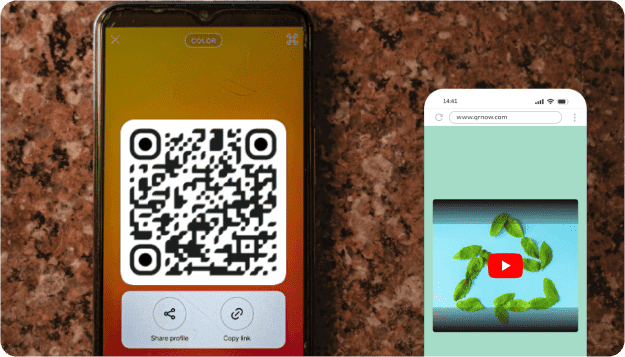
Style your QR code for YouTube to reflect your brand. Then, download it and use it in your marketing materials.
What happens when a YouTube QR code is scanned?
When someone scans the QR code, their device opens the linked YouTube destination. Depending on the device, browser settings, and whether the YouTube app is installed, the content may open in the app or in a web browser.
If the app is not available, the link will open in the device’s default web browser instead. In most cases, the video does not start playing automatically. Instead, users are taken to the video page, where they can review the details and tap “Play” when they’re ready to watch.
Discover the Many Ways to Use QR Codes for YouTube Videos
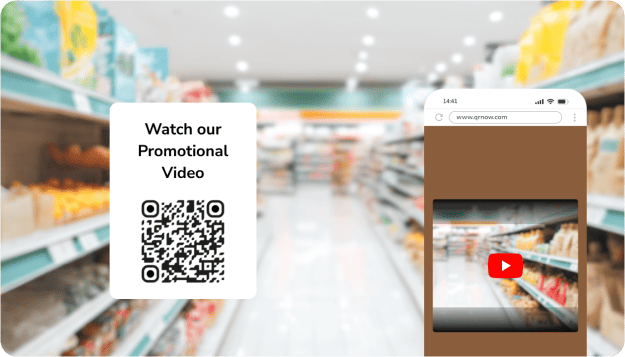
Below are YouTube QR code examples for business, showing practical ways brands can use them to connect offline audiences with video content. These ideas can help you engage customers, showcase products, and make your marketing more interactive without adding complexity.
Use these examples to find the best way to include QR codes in your business strategy:
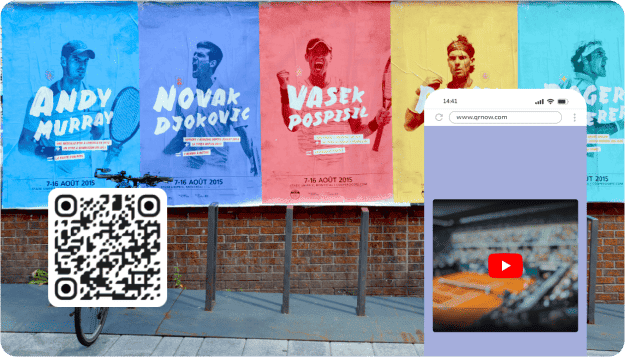
1,361 Scans: How a Language Teacher Uses a YouTube QR Code to Share Learning Videos
A language teaching professional linked a playlist of language-learning videos to a YouTube QR code. The data below shows how and when the code was scanned.
- From January 24, 2025, to July 31, 2026, the QR code was scanned 1,361 times.
- June 2026 recorded the highest monthly activity with 151 scans, followed by July 2026 with 109 and November 2025 with 105.
- Average daily scan activity was relatively consistent throughout the week, with Wednesdays recording the highest average at 2.9 scans per day.
- iOS (222 scans) and Android (188 scans) made up 96.7% of scans where device information was available.
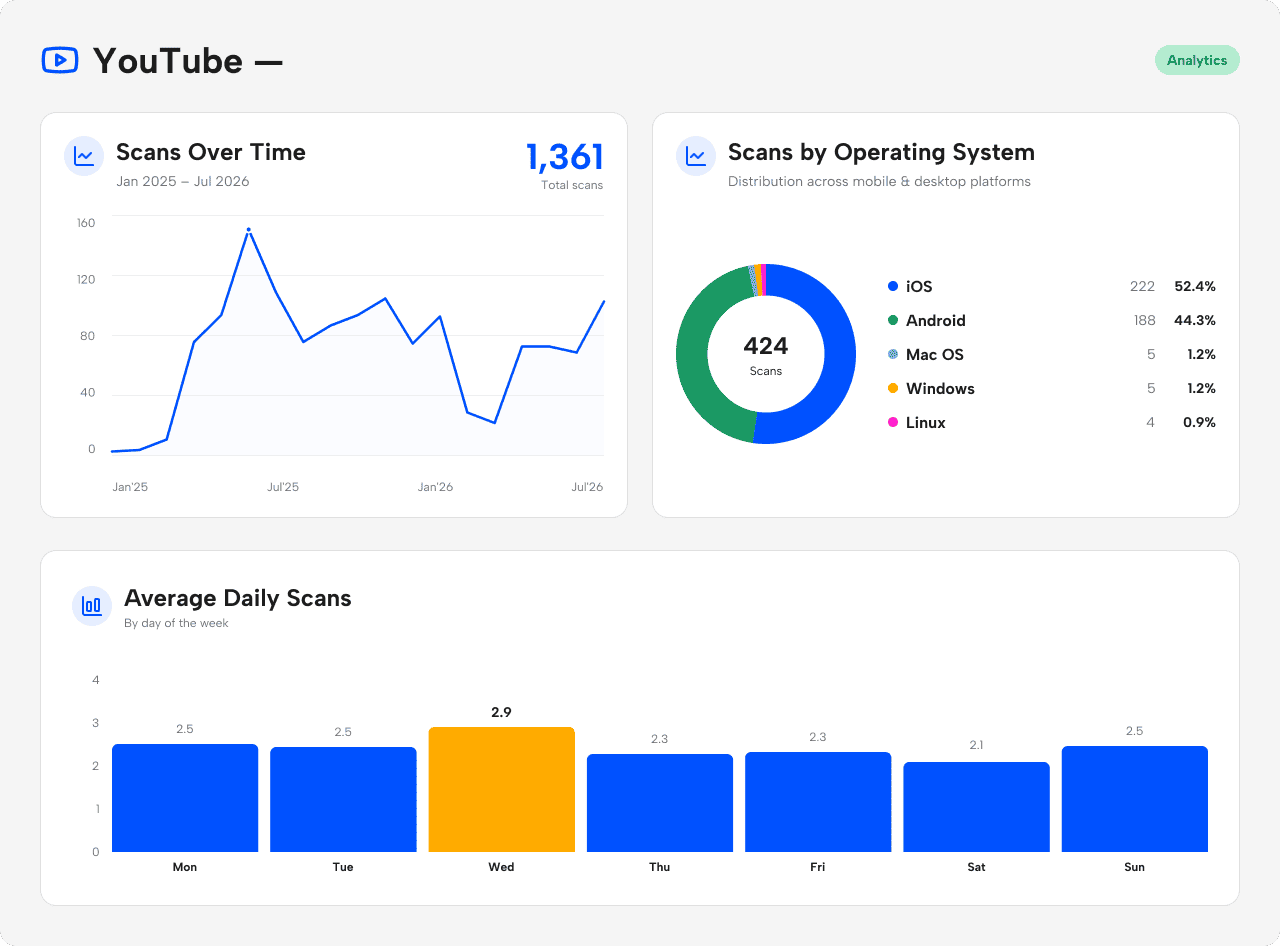 Source: Anonymized first-party QRNow scan data from one language-education customer, covering January 24, 2025, to July 31, 2026. Figures represent total scans, not unique viewers or YouTube video views. Device percentages include only the 424 scans for which operating-system data was available. Data reviewed by the QRNow Product Analytics team. Updated July 2026.
QRNow customers, such as religious and educational groups, place YouTube QR codes on printed materials to link directly to recitation or lecture playlists.
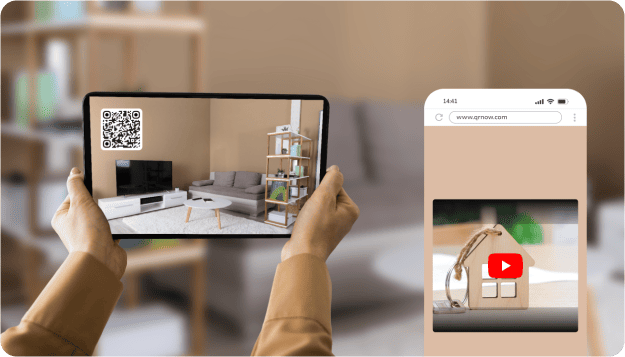
You can also place them on flyers and signs to give potential buyers easy access to property walkthrough videos, as some of our real estate customers do.
Some QRNow customers, such as tourism businesses, use YouTube QR codes to share destination guides, highlights, and other video content. Others use them to share virtual tours, speaker introductions, and event previews.
How To Use YouTube QR Code To Get More Video Views
Many businesses agree that every brand should have a YouTube channel, and QR codes make it easier to share your videos with your audience. But getting scans isn’t enough because you need to turn that curiosity into actual views.
These practical tips will help you make the most of YouTube QR codes:
-

Choose a video that matches the context
The video linked to your QR code should match the situation in which people are scanning it. When the content aligns with their immediate need or interest, they’re far more likely to stay and watch instead of dropping off quickly.
-

Make the thumbnail do the decision-making
Before the video plays, users often notice the thumbnail first. A clear, relevant, and visually appealing image reassures them they scanned the right code and encourages them to continue watching.
-

Hook in the first 5–10 seconds
A QR scan creates a short burst of curiosity, but attention fades quickly. Start your video with a strong, clear message that gets straight to the point and gives viewers a reason to keep watching.
-

Optimize the video for mobile viewing
Most people scan QR codes using their phones, so your video must be easy to watch on small screens. Use clear visuals, readable text, and good audio to ensure a smooth viewing experience.
Best Practices for Generating a YouTube QR Code
Using the right strategies can help you maximize the impact of your YouTube QR codes and increase views while ensuring a seamless experience for your audience. Below are the key dos and don'ts to keep in mind:
-
 Use a high-quality YouTube link
Always link your QR code to a stable, public YouTube URL that loads quickly and works across all devices. Double-check that the video is accessible without login issues, buffering delays, or regional restrictions that could interrupt the viewing experience.
-
 Link to private, broken, or restricted videos
Avoid linking to videos that are private, incorrectly set as unlisted, age-restricted, or blocked in certain regions. If users can’t access the content immediately after scanning, they’re unlikely to try again.
-
Use timestamps to make video navigation easier
If your video covers multiple sections or the main value starts later, use a YouTube link with a timestamp so viewers jump straight to the most relevant part. This makes the content easier to navigate and helps users reach the information they want faster.
-
Make users search for the key moment
Avoid sending users to the very beginning of a long video if the information they want appears much later. If viewers have to scrub around to find the relevant section, many will leave before they get there.
-
Use end screens or cards to keep viewers watching
Make the most of each scan by guiding viewers to another relevant video, playlist, or channel page once the first video ends. This can increase watch time and turn one scan into multiple views.
-
Let the viewing journey end after one video
Avoid linking to a video that gives viewers no clear next step. Without related videos, playlists, or channel prompts, you may lose the chance to keep users engaged with more of your content.
-
Prepare for any viewing environment
Make sure your video performs well in different environments, including noisy or quiet settings. Use captions, bold visuals, and clear on-screen text so viewers can understand the message even without sound.
-
Rely only on audio
Avoid creating videos that depend entirely on spoken explanations. Many users won’t turn on sound immediately, so important information should also be visible through text or visuals.
Frequently Asked Questions
-
A QR code can link to a single YouTube video, but it doesn’t have to stop there. You can also direct users to a playlist with multiple videos or even your entire YouTube channel. This gives you flexibility to share more content, depending on whether you want focused viewing or broader discovery.
-
Yes, you can link your QR code to a YouTube playlist or your full channel instead of just one video. This is especially useful if you want viewers to explore a series of related content rather than a single clip.
For example, businesses can share product tutorials, event highlights, or educational series in one place. It also keeps users engaged longer, as they can easily move from one video to another without needing to scan again.
-
Yes, QR codes work well for YouTube Shorts and can be an effective way to share quick, engaging content. Since Shorts are designed for fast consumption, they match perfectly with the short attention span that often comes with QR scans. This makes them ideal for promotions, product highlights, or social media-style content.
-
YouTube QR codes in QRNow are dynamic, meaning the QR code will continue to work even if the original video changes, as long as you update the destination link in your dashboard. You can redirect the same code to a new video, playlist, or channel page at any time without reprinting your materials.
Just make sure the new destination still matches the context of the printed item or placement where the QR code appears, so users are not frustrated by landing on content that feels unexpected or unrelated to what they were expecting to watch.
