QR Codes on Flyers
QR codes on flyers provide a concise way to instantly link your audience to digital content - create a flyer with a QR code now!
Why QR Codes Are Perfect for Flyers
Using a dynamic QR code on a flyer, brochure, pamphlet, or handout offers several benefits for your promotional campaign:
- Optimized user experience: Deliver personalized or context-specific content based on factors like time or location.
- Editable content: Easily update offers, discounts, or landing pages to keep promotions fresh.
- Analytics: Gain insights into customer engagement and campaign performance to refine marketing strategies.
- Cost-effectiveness: Reduce printing costs by reusing the same code for multiple campaigns.
- Multi-channel integration: Create cohesive experiences across print, digital, and event marketing.
Bring Flyers to Life with QR Codes
QR codes breathe new life into traditional flyers. They have the ability to transform static print materials into interactive gateways to digital content. For example, a study by FIU found that they are useful for healthcare providers in getting information from surveys to give proper care to patients.
Your business can also find useful ways to get and send information by adding codes to flyers.
Read on to discover the key ways QR codes enliven flyers.
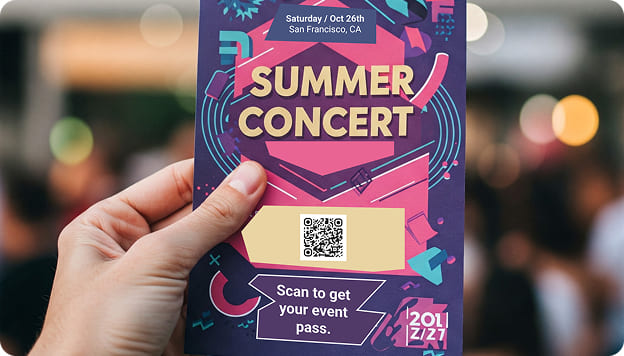
Turn flyers into event marketing tools
By incorporating a QR code for events, you can create interactive flyers that allow users to instantly RSVP. You can also provide instant access to additional information, ticket purchases, and social media engagement.
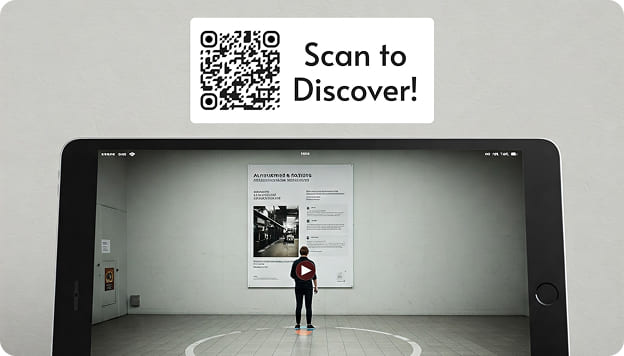
Link to videos
By linking to videos on a brochure with QR code, you can showcase product demonstrations or customer testimonials that wouldn't fit on a traditional flyer.
If you’re using a flyer with QR code to promote an event, you could link to a video virtual tour of the venue or provide behind-the-scenes content.
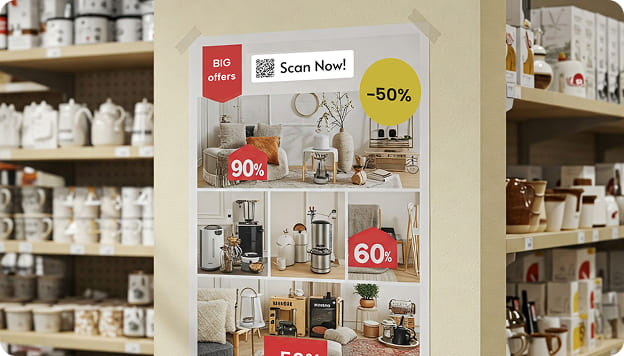
Promote discounts and offers
By putting a QR code on a flyer, you can provide instant access to exclusive deals and promotions, allowing customers to scan for on-the-spot discounts.
This strategy creates immediate incentives for shoppers and can boost impulse purchases.

Simplify customer actions with scannable flyers
By scanning a QR code on a pamphlet, customers can quickly perform actions like making purchases or signing up for events. There’s no need for manual data entry.
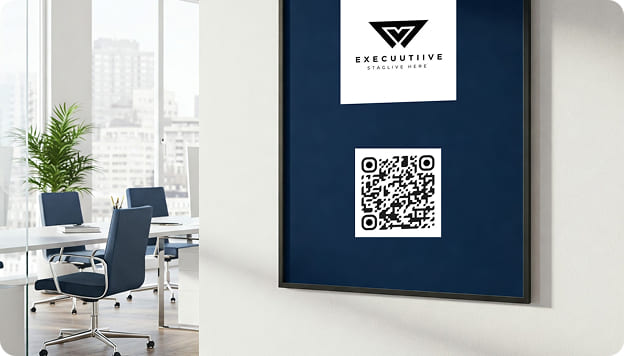
Customize it
By tailoring the design to match your company's visual identity, you can create a flyer with a QR code that is more effective and eye-catching than a generic black-and-white version.
Change up the colors, add a frame, and place your company’s logo in the center to make your flyer QR code more inviting to scan.
How Do I Add a QR Code to a Flyer?
Creating a QR code for your flyer with QRNow is a straightforward process that can be completed in 6 simple steps.
Need help? See our step-by-step QR code tutorial.
-
Register with QRNow
By singing up to QRNow, you’re able to create dynamic QR codes for flyers, as many as you like. You can edit and manage the content of your code without reprinting, and gain insights with our advanced tracking system.
-
Select the content type
Decide what information your QR code will link to, such as a website URL, contact information, or event details.
-
Customize the design
Modify and customize the QR code's appearance to match your flyer's aesthetics, including colors and adding a logo if desired.
-
Generate and download the QR code
After entering your information and customizing your design, click the “Finish” button. Your QR code will be ready to download in a high-quality format such as JPEG, PNG, or SVG.
-
Incorporate the QR code into your flyer
Insert the downloaded QR code image into your flyer design. Remember to place the QR code prominently on your flyer with a clear call-to-action to encourage scanning.
Before printing, scan your code with multiple devices to ensure it functions correctly.
-
Analyze the results of your campaign
Track the performance of your flyer QR code by using our analytics tools that provide insights into how many people are scanning your code, where they are located, and what actions they take after scanning.
See QR Codes on Flyers in Action
Discover the different ways that businesses use QR codes on flyers to boost their promotional campaigns through some fictional examples based on real-world cases.

Retail
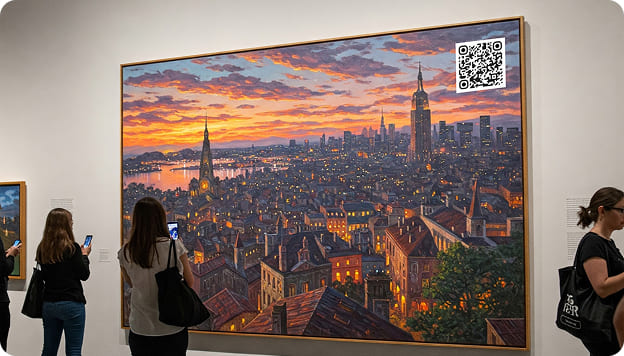
Event marketing

Real estate
FAQ about QR Codes on Flyers
If you have any questions about how to put a QR code on a flyer, you can find the answers below!
-
The minimum recommended size for a QR code on a flyer is 2x2 cm (0.8x0.8 inches) to ensure scannability. If you want to improve visibility of the QR code on your flyer, opt for a larger size of 2-4 inches.
-
The following are some ideas of what to put on a QR code on a flyer:
- URL QR codes linking to websites, landing pages, or social media profiles
- vCard QR codes for easy contact information sharing
- Event QR codes for registration or ticket purchases
- Coupon QR codes for special offers and discounts
- Video QR codes to showcase product demos or promotional content
Remember, if you choose to use a dynamic QR code, you can change the linked material even after printing your flyers, meaning you don’t need to be tied down to one type of content. For a complete overview of how dynamic QR codes differ from static ones, read our guide on static vs dynamic QR codes explained.
