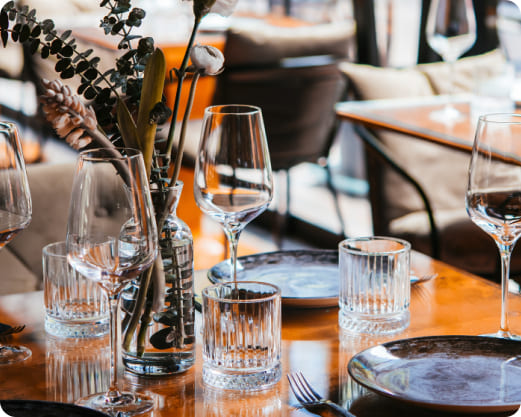
Discover Gourmet Heaven
Gourmet Heaven isn’t a real restaurant, but it could be just like your neighborhood bistro, family diner, or even a trendy café, but even more efficient. Your restaurant can also use QR codes to make service smoother, menus smarter, and customers satisfied.
Check out these quick, effective ways to use QR codes at your tables, counters, and more.


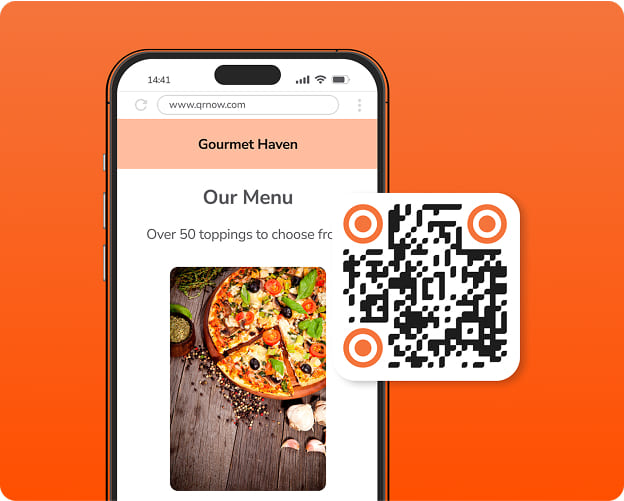
Serve Customers Faster With a PDF Menu QR Code
Make your menu instantly accessible with a quick scan. A PDF QR code lets customers view your full menu directly on their phones.
No more waiting for paper menus. Around 66% of restaurants use QR codes to reduce wait times and speed up service.
You can place the QR code on tables, counters, or even your storefront. It’s an easy way for customers to order faster and enjoy a more comfortable dining experience.

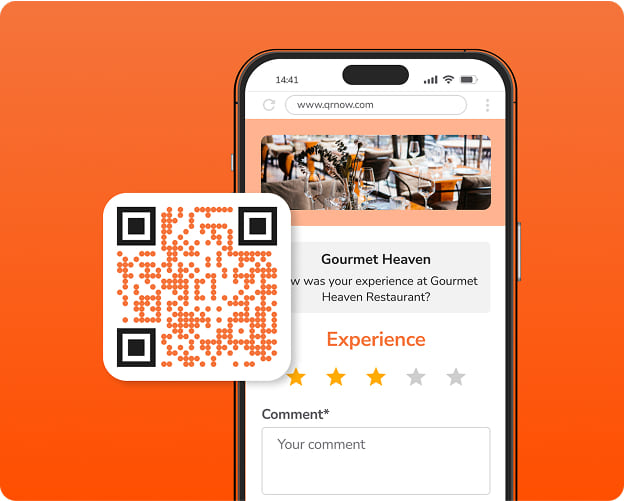
Get More Restaurant Reviews With Feedback QR Codes
Easily collect restaurant reviews on Google by adding a feedback QR code to your receipts or takeaway packaging.
Guests can share their opinions and rate your food or service, providing instant feedback that can help you improve your restaurant’s customer experience and reputation.

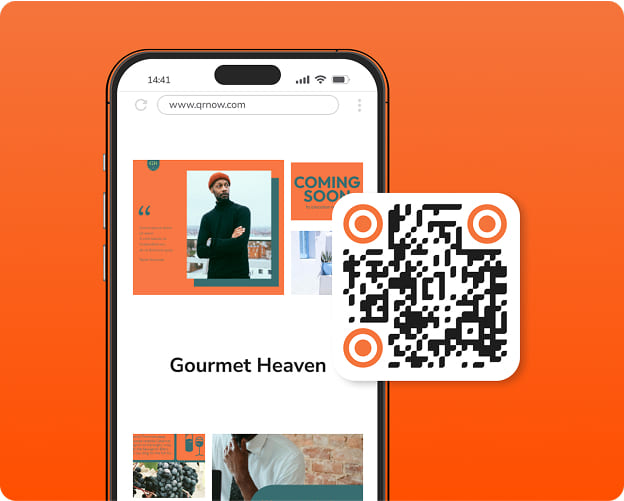
Keep Your Menu and Website Up to Date With a Dynamic URL QR Code
Restaurants make changes all the time. If you need to update your menu or website, a URL QR code can come in handy.
Use the code to highlight daily specials or direct customers to a new reservation page. It’s a flexible way to keep your guests informed and save money on printing new menus or promotional posters.
Benefits of Using QR Codes for Restaurants
QR codes help restaurants work more efficiently while providing customers with a faster, more enjoyable dining experience. Here are some of the key benefits:
- Faster service: A PDF QR code allows customers to browse the menu on their phones, reducing wait times and increasing table turnover.
- Reduced costs: Digital menus and receipts cut reprinting costs, helping you save money and resources.
- Instant updates: With a digital menu, you can easily update items or adjust prices without the need to reprint.
- Higher engagement: You can use a feedback or social media QR code to connect customers to your review and social media pages, increasing engagement.
How To Use Restaurant QR Codes Effectively
There are many ways to use QR codes for restaurants. We’ve included some ideas below.
-
Start a restaurant reservation system with QR codes
Place reservation QR codes on flyers to send customers directly to your online booking page. Guests can scan the code to check availability and reserve a table. No phone calls required.
-
Create a QR code ordering system to avoid endless calls
Speed up service and reduce wait times by adding a dynamic QR code to a poster that links to your online food ordering system.
Your clients can browse the menu and send their order directly to the kitchen, without needing to call in.
-
Increase Google restaurant reviews quickly
Encourage customers to leave Google restaurant reviews with a direct link to your Business Profile. Around 84% of consumers trust a restaurant more when it has a high number of recent reviews.
You can place your feedback QR code on tables or receipts, making it easy for guests to notice and scan.
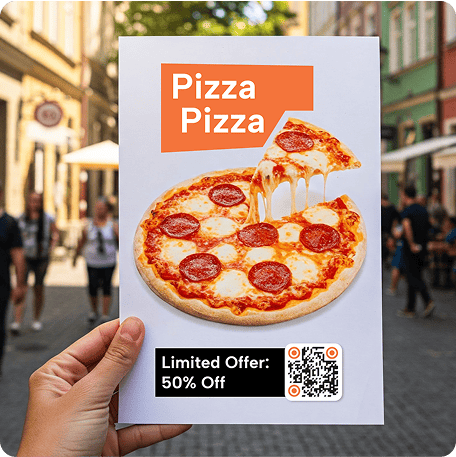
Generate a QR Code for Coupons, Discounts, and Limited-Time Offers
QR codes are also great for sharing discounts and special offers. Add a coupon QR code to your printed or digital coupons to strengthen your restaurant’s marketing strategy and attract more diners.
Customers simply scan the code to access special deals. Specifically, here’s how a coupon QR code can benefit your restaurant:
- Promote limited-time discounts or combo deals
- Drive traffic to online reservations or ordering
- Encourage repeat visits with loyalty rewards
- Track which offers get the most engagement
How To Create a Menu QR Code for Your Restaurant
With our QR code generator for menus, you can create your code in 3 easy steps:
If you're new to QR codes or want a detailed walkthrough, check out our step-by-step guide on how to create a QR code. Below, you'll find a quick visual overview to get started.
-
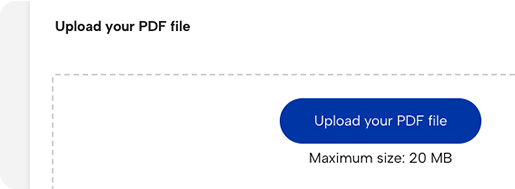
1. Choose the file
Select the PDF or image file that your menu is saved as.
-
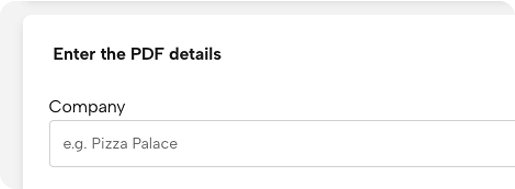
2. Enter the details
Open our generator and add a title and brief description, along with your company’s name and the title of the file or URL.
-
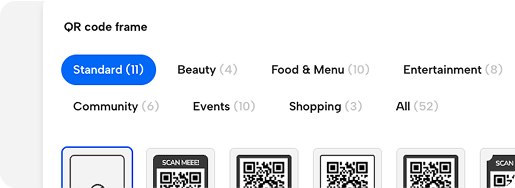
3. Customize and download
Personalize your QR code to match your restaurant and download it in high resolution with our generator’s customization tool.
-
4. Track your data
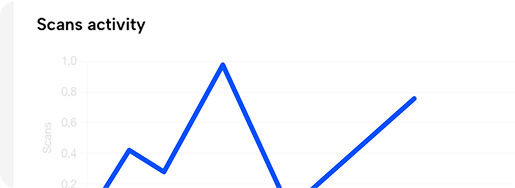
Analyze how many people open the code and from where to see if your customers are easily finding the menu and if they’re ordering without any problems.
FAQs
-
To scan a contactless menu QR code, simply open your smartphone’s camera app and point it at the QR code.
A notification or link will appear on the screen; tap it to view the menu in your browser. Some phones may require a QR code scanner app, but most iPhone and Android smartphones have this feature built in.
-
You need to create an online menu or ordering page through your POS system or delivery platform. After, you’ll need to generate a QR code that links to your ordering page. Place the code on tables or posters, so customers can easily scan and place their orders.
-
Set up an online reservation system, either your website’s booking form or a third-party platform. Then create an event QR code that links directly to your reservation page and add it to your business cards or front door. This reduces phone calls and avoids double-booking.
-
First, make sure you list your restaurant on Google Business Profile. Once that’s done, generate a feedback QR code with the link to your profile, and place it on receipts or takeout bags. Scanning will take customers directly to your review page.
-
To make it easier for your customers to see your QR codes, place them in well-lit and visible areas like tabletops or near the entrance of your establishment.
You can also add them at the counter for easy access before seating, or on business cards, so clients can view the menu from home to order food at a later date or easily share your information.
As a tip, when you customize your code, make sure they are large enough and clear so that customers can scan them quickly without frustration.
