Create a QR Code for a URL in Seconds
Paste your link, customize the design, and download a high-resolution QR code in seconds. Choose a static QR code for a permanent destination or a dynamic QR code to update the link and track scans after printing.
Keep reading to see different examples of how you can use a URL QR code, how to take advantage of our QR code generator’s Premium features, and the dos and don’ts of creating your own codes.
What Is a URL QR Code?
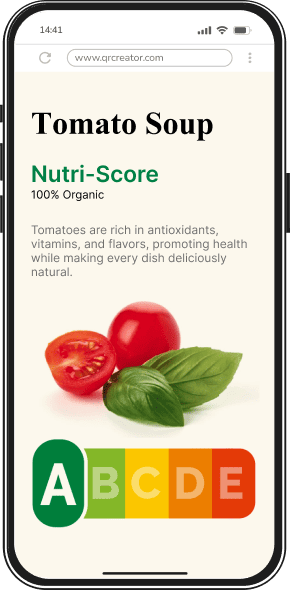
A URL QR code links directly to a specific webpage or online resource.
When scanned, it instantly opens the embedded link, making it a fast and convenient way to share websites, product pages, or other digital content without typing the entire link.
QRNow data insight: URL QR codes are the most widely used format among QRNow subscribers. In fact, 80% of subscribers use URL QR codes to send customers directly to their websites, landing pages, and campaign links.
Based on aggregated and anonymized QRNow customer usage data collected in 2025.
Types of URL QR Codes
You can create a QR code from a URL in two different ways. There are both static codes and dynamic codes.
Static codes are permanent, never-changing codes, while dynamic codes are tied to your subscription and can be edited and tracked at any time.
Go over the table below to understand the main differences between each:
|
Static QR code |
Dynamic QR code |
|---|---|
| The destination content is fixed and cannot be changed after creation. | The destination content can be updated or edited at any time. |
| The QR code directly stores the data (URL, text, email, etc.). | The QR code stores a short redirect URL that points to the content. |
| No built-in scan analytics are available. Website visits can still be measured using UTM parameters in your web analytics platform. | Supports scan tracking and analytics (location, device, time). |
| Best for permanent or one-time use (e.g., Wi-Fi access, personal links). | Ideal for marketing campaigns and business use where updates are needed. |
Simple Steps to Create a QR Code for a URL
Generating a URL QR code with QRNow is straightforward. Follow these steps to design and download your personalized code:
-
Enter your URL
Start by entering the link you want your QR code to direct users to.
-
Customize your QR code
Use our QR code generator to adjust the design of your code. Align its style to your brand and logo.
-
Download your URL QR code
Once your customization is complete, download your QR code in high-resolution.
How To Use a URL QR Code for Your Business to Share Products, Programs, and More
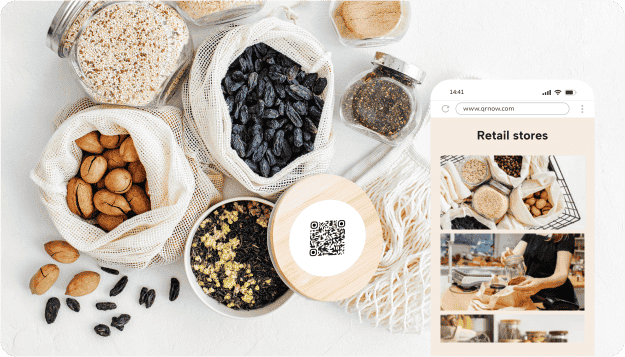
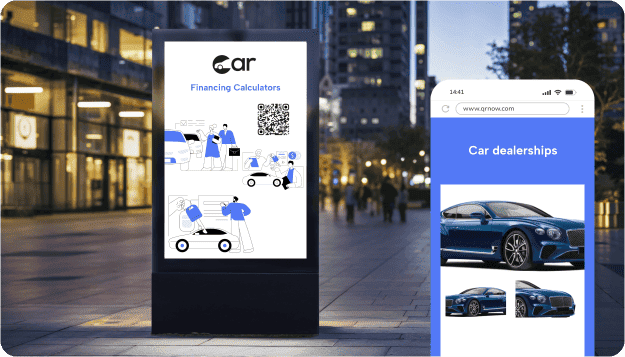
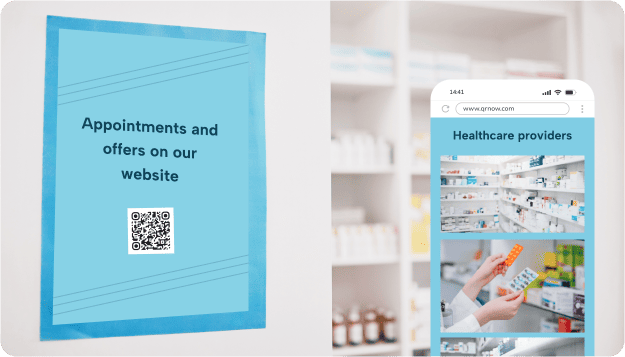
Take a look at the different ways to share important product and business details with clients when you convert a URL to a QR code.
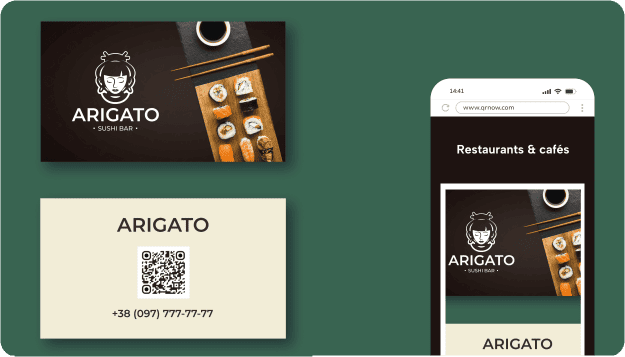

Real URL QR code usage from a hospitality customer
The scan data below is real data from one of our customers, a busy bar and restaurant, which uses a dynamic URL QR code to direct customers to a page containing their latest menu, reservation options, opening hours, and service information.
- Their monthly scans range between 3,100 and 6,700, showing that the QR code generates consistent long-term engagement.
- Sunday is their highest scan-traffic day of the week, averaging 525.3 scans, and Saturday follows closely as the second busiest day, averaging 380.4 scans.
- The total number of scans from January 2025 to June 2026 was 88,765.
- Of the scans for which device data was available, iOS users made up a clear majority, at 84.5%.
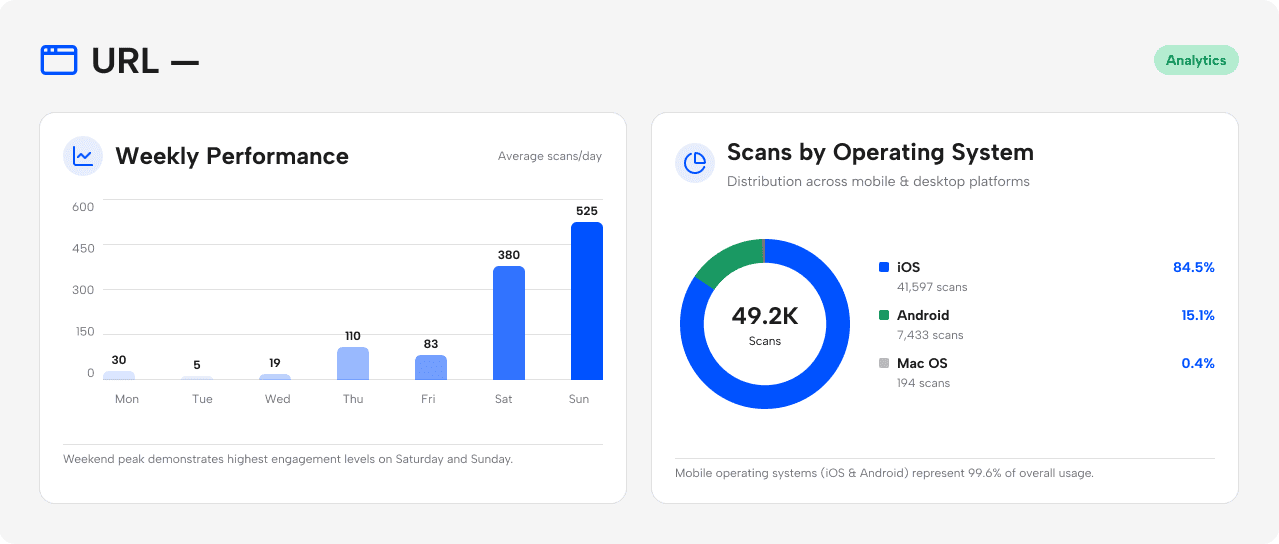 Source: Anonymized first-party QRNow usage data from one hospitality customer. Figures represent total scans, not unique users. Device share includes only scans for which operating-system data was available. Data reviewed by the QRNow Product Analytics team. Updated July 2026.
Because the destination is dynamic, staff can update the page whenever seasonal menus, weekly specials, or promotions change without reprinting the QR code on tables, posters, or menus. Customers can access the latest published information with each successful scan.
URL QR codes serve very different purposes for some of our other customers. Grocery stores use them to promote changeable weekly offers, electoral registries let citizens check voter enrolment information, and kindergartens share opening hours and general information with parents.
The same URL QR code format can support a wide range of business use cases, while keeping the destination current.
How to turn URL QR code scans into results
Linking a URL to a QR Code is an excellent way to maximize user interaction and make your content more accessible to your clients.
Here are several effective ways you can add link QR codes to your marketing strategy:
-

Link to a context-specific landing page.
Send users directly to the product, offer, form, menu, or information they expect to find instead of linking to a generic homepage.
-

Give users a clear reason to scan
Use a specific call to action that explains what users will receive, such as “Scan to view the menu,” “Scan to book,” or “Scan to unlock today’s offer.”
-

Create a separate dynamic QR code for each campaign or placement
Use a unique dynamic QR code for each channel, location, or creative variation such as product packaging, table displays, storefront posters, or event materials. Keeping them separate lets you compare scan activity accurately and identify which touchpoints generate the strongest engagement.
-

Track actions after the scan with UTM parameters
Add unique UTM parameters to each destination URL and analyze the resulting traffic in your web analytics platform. This helps you identify which QR codes drive website visits, sign-ups, reservations, purchases, or other conversions, not just scans.
Best Practices When You Convert a URL to a QR Code
Below, you can take a look at some of the dos and don'ts to consider when creating and using URL QR codes:
-
 Match the landing page to relevant context
Try to link to a specific product, information, warranty, or offer instead of just your homepage.
-
 Linking to broken or incorrect URLs
Avoid embedding outdated or broken links that may frustrate users.
-
Make sure the page is optimized for mobile
Test your page to make sure that it looks good on cell phones to avoid frustrating your customers.
-
Using low-quality codes
Low-quality codes can become unscannable, especially when printed on various materials.
-
Keep the design clean
Maintain a simple, branded design that’s easy to recognize and visually pleasing.
-
Overcomplicating the design
Overcrowding with too many colors, logos, or unnecessary elements reduces usability.
-
Use direct destinations
Place a direct destination URL, not text fragment URLs.
-
Not adding clear instructions
Codes without context can leave users unsure about using them.
Frequently Asked Questions
-
You can link to virtually any link, which you can use to share your business’s home page or a product page.
URL codes are also perfect for direct links to PDF documents, app store downloads, or online portfolios, to help you connect users to any online content.
-
Yes, you can easily turn a web address into a URL QR code using our generator. Simply paste the link, generate the code, and download it with our online tool.
When scanned by a client or prospective client, the QR code immediately opens your website on their smartphone or tablet.
-
It’s not a problem changing your code's content if you’ve used a dynamic code.
Dynamic codes allow you to update the linked information without reprinting or having to change the actual code, making it cost-effective and flexible for large-scale campaigns.
However, static QRs cannot be updated, so you’d need to create and print new codes if changes are required.
-
A static QR code links to fixed information that cannot be changed once created. In contrast, a dynamic QR code allows you to update the linked content anytime without having to recreate the QR code over again.
Dynamic codes also offer advanced features like scan tracking and analytics, making them ideal for flexible and data-driven campaigns.
To better understand the differences and use cases, check out our guide on the differences between static and dynamic QR codes.
-
URL QR codes can be used safely when the destination is legitimate and properly secured. HTTPS encrypts the connection, but it does not by itself guarantee that a website is trustworthy. Before entering payment or personal information, users should verify the destination domain and avoid QR codes that appear tampered with or come from an unexpected source.
-
For reliable scanning, the minimum size should be at least 2 cm x 2 cm. As a general rule, you should create a code with a 10:1 distance-to-size ratio.
In other words, if the scanning distance is 10 inches, the code should be 1 inch wide. Remember to always test print your code before final production.
-
Start a 7-day QRNow trial for €0.99 and access features such as dynamic URL editing and scan tracking. After the trial, the service costs €29.99 per month. The applicable renewal and cancellation conditions are shown before payment.
