Generate a QR Code for App Downloads
Do you want to share your mobile application with customers and potential users? Create a QR code for app downloads that gives users one convenient page to choose your app on the Apple App Store or Google Play.
Some benefits of app QR codes include:
- Give users quick access to your App Store and Google Play download options with one scan
- Promote your app on printed materials or storefront windows without cluttering them
- Convert customers faster and better than traditional links
- Track how many people scan your code and measure campaign performance
Keep reading to find out how you can use our app QR code generator to promote your app across platforms and connect with your audience more effectively.
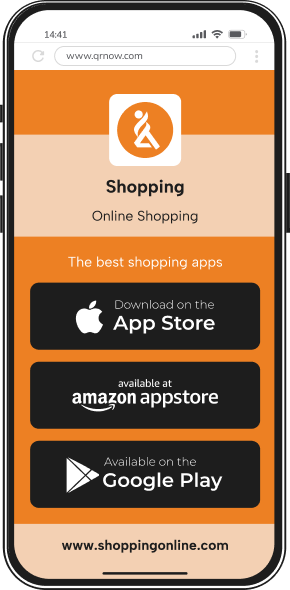
How To Create a QR for App Downloads With QRNow
With our user-friendly QR code generator, the process for creating an app store QR code is easy to follow. Simply follow the steps below to set up your QR code.
-
Add your app store links
Gather the URLs for your app on each store where it’s available, such as the Apple App Store, Google Play, or others.
-
Enter your details
Access our QR code generator and input your app store links. You can also include a title, a brief description of your app, and any additional details like your logo or a call-to-action.
-
Customize and download your QR code
Choose a design that complements your brand by adding colors, frames, or your logo. Once you’re satisfied, download your QR code in high resolution.
Ways To Use App Store QR Codes for Businesses
Whatever type of business you run, an app store QR code can help users quickly find the available download options for your mobile app. In fact, a recent study noted that 68% of consumers have used a QR code at least once in the past year!
Below are several innovative ways QR codes can promote your business’s app:

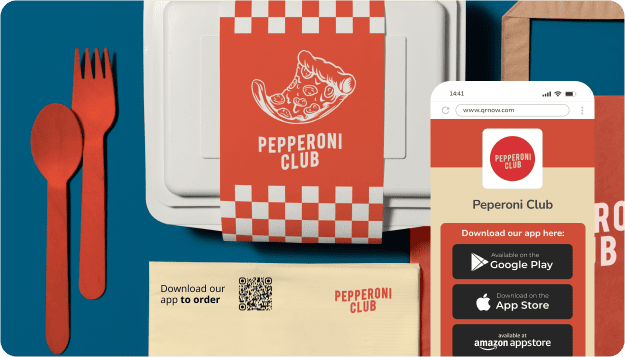
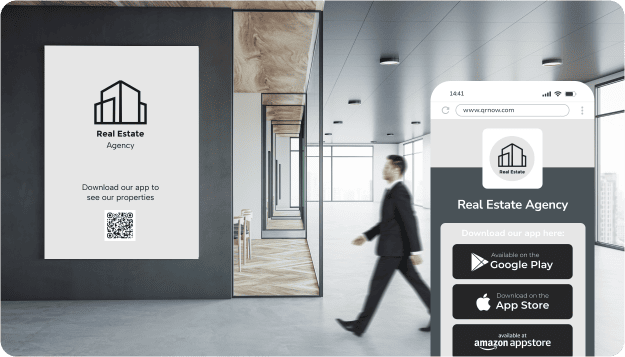
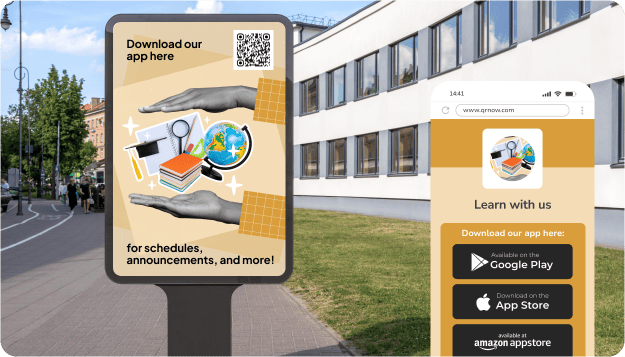
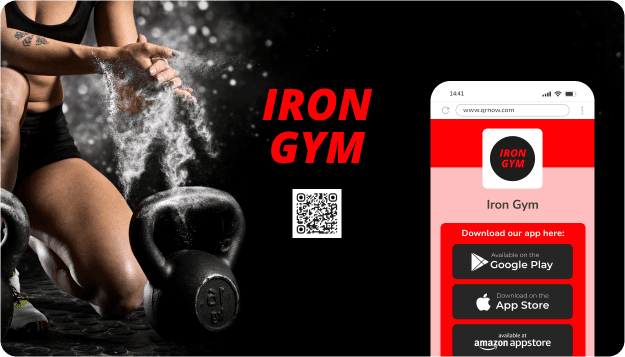
QRNow data insight: Whatever type of business you have, an app store QR code can help you connect users with your apps. In fact, 75% of our App QR users are small businesses that use QR codes to make app downloads more accessible!
Based on aggregated and anonymized QRNow customer usage data collected in 2025.
4,618 Scans: How an App QR Code Connects Users to a Public-Safety Reporting App
The following data comes from one of our customers’ apps, where people can scan the QR code to upload information, videos, or photos that might be useful to law enforcement.
- Over the 19 months from January 2025 to July 2026, the QR code received 4,618 scans.
- Scan activity peaked in December 2025 with 836 scans, representing approximately 18.1% of all scans recorded during the reporting period.
- On average, weekends received fewer scans, while scan activity was highest at the beginning of the week and picked up again on Fridays.
- The average was 55.9 scans per week.
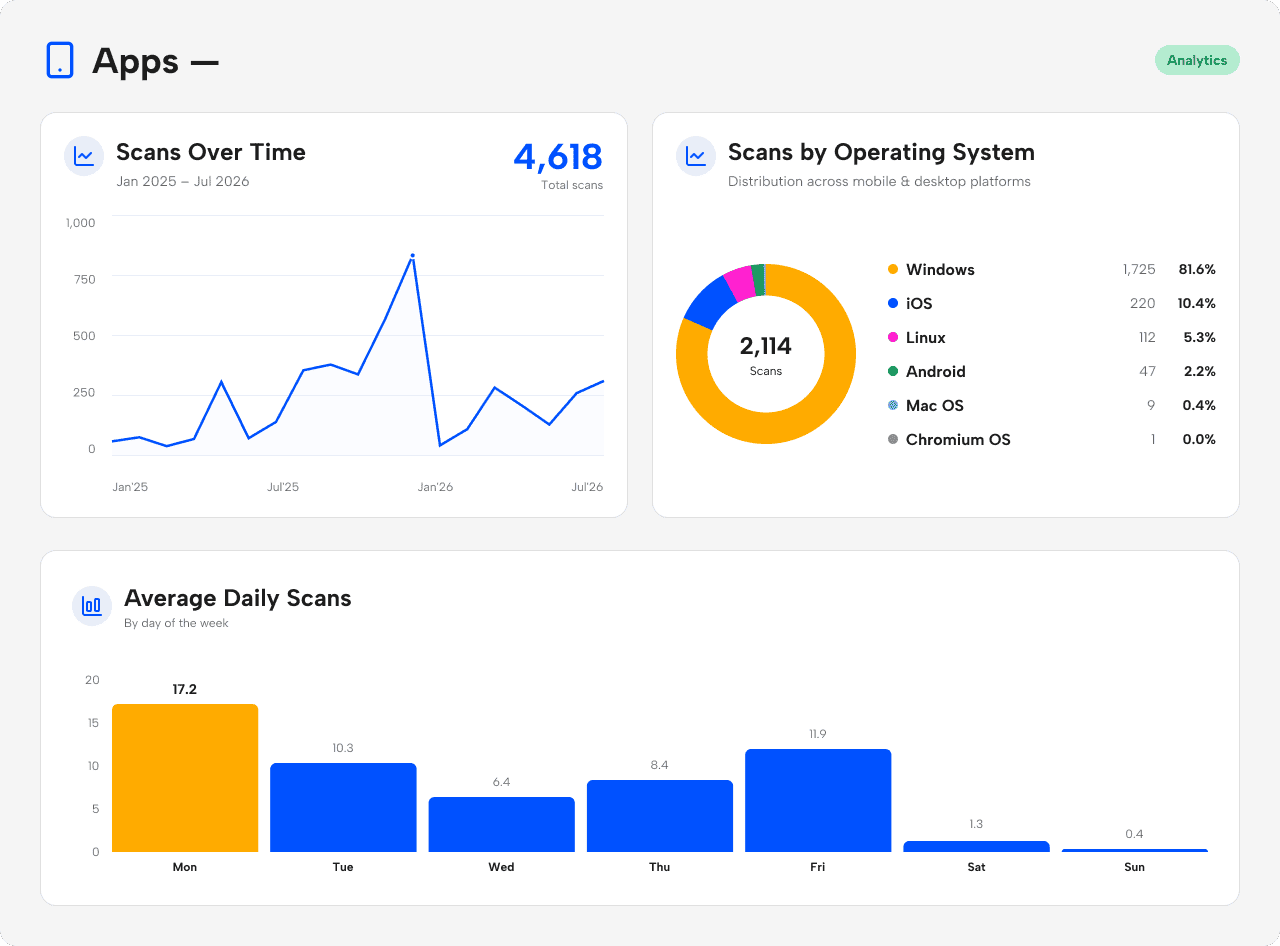 Source: Anonymized first-party QRNow usage data from one customer. Figures represent total scans, not unique users. Device share includes only scans for which operating-system data was available. Data reviewed by the QRNow Product Analytics team. Updated July 2026.
Other QRNow customers, such as co-ops and rewards clubs, use app QR codes to give members quick access to their point-tracking apps, and a local government client uses a QR code to give residents easy access to city services.
With this kind of QR code, you can give customers a quick way to access or download your app without searching for it manually in an app store.
How To Use App Store QR Codes to Boost Downloads
Getting people to scan a QR code takes more than simply displaying it. Businesses need to give customers a clear reason to scan, whether that’s through incentives, useful features, or exclusive content.
Here are several ways to encourage users to download your app:
-

Offer an in-app perk
Give users an immediate reward for downloading your app. A small incentive (such as a discount, loyalty points, a free trial, or exclusive content) can significantly increase scans.
Customers are more likely to install your app when they know they’ll receive something valuable right away.
-

Build trust before the install
Use the QR code alongside clear branding, a short description, or a simple preview so users know the app is official and relevant.
This can reduce hesitation and make the decision to install feel easier and more immediate.
-

Make the correct app store easy to find
Use one QR code to give users access to your official App Store and Google Play listings. After scanning, users can choose the appropriate store for their device without having to search for your app manually
-

Promise ongoing value
Show users that the app offers more than a one-time benefit. Be sure to emphasize features such as exclusive discounts, priority service, or faster ordering.
If users see that the app provides ongoing value, they’re more likely to download it and continue to use it.
Best Practices for Creating Effective App QR Codes
To maximize the benefits of your QR codes, it’s a good idea to review some dos and don'ts of using the tool. Below are helpful tips to follow, as well as mistakes to stay away from:
-
 Link only to your official app store listings
Add your official Apple App Store and Google Play links so users can confidently choose the correct download option after scanning. Keep the QRNow landing page clear and focused so users can reach the appropriate store with minimal friction.
-
 Add unnecessary steps before the download options
Avoid sending users through unrelated pages or requiring additional navigation before they can choose an app store. Keep the path from the QR code to the official download options simple and clear.
-
Place the QR code in high-intent touchpoints
Position app QR codes in situations where people have a reason to install the app.
For example, you could advertise your app’s easy-to-follow video tutorials on assembly instructions, or add a QR code for your app on the receipt for customers to access additional features.
-
Display QR codes without any context
Avoid placing QR codes in places where users don’t understand why they should install the app.
A code without a clear call to action, explanation, or benefit often goes ignored. Users need context and motivation, otherwise the scan feels unnecessary or bothersome.
-
Track scans and optimize performance
Use QR code analytics to monitor where scans happen, when they occur, and how often they convert into downloads.
These insights will help you identify high-performing placements and copy. Over time, data-driven adjustments can improve the effectiveness of your QR campaigns.
-
Ignore scan performance data
If you aren’t tracking scans and installs, it’ll be impossible to understand what’s working.
Without data, businesses often repeat ineffective placements or messaging. Measuring scan activity allows you to refine your marketing strategy and focus on what’s actually driving downloads.
-
Optimize your app store listing for maximum conversions
Once users choose their app store, the decision to install your app also depends on how well the store listing is optimized.
Make sure your listing includes eye-catching screenshots and a clear description so visitors immediately understand the value of downloading the app.
-
Sending users to an unoptimized or outdated listing
Driving traffic to a poorly maintained app store listing wastes the intent created by the scan.
Outdated screenshots, unclear descriptions, or low ratings can quickly discourage users. Even interested visitors may abandon the download if the store page doesn’t inspire confidence.
-
Fit the scan into the moment
Position your QR codes where users can scan them naturally, without interrupting their current activity.
The best placements fit smoothly into the experience, such as while browsing, waiting, or completing a step.
-
Make users stop to scan
Avoid placing QR codes in situations where users need to pause or step away from the interaction.
Requiring them to leave a checkout line or interrupt a conversation adds friction and lowers the chances of a scan.
Frequently Asked Questions
-
You can share an app store link by copying it directly from your app’s page on the App Store or Google Play and pasting it into our QR generator.
The tool creates a scannable QR code that opens a mobile-friendly page containing your available app store links. Users can then choose the appropriate store and continue to the official download page.
-
Yes, dynamic QR codes allow you to update the download link without changing the QR code itself.
This feature is useful for redirecting users to a new app version, updated store page, or a different platform. It also saves you time and makes sure you avoid the need to print new QR codes.
-
These QR codes simplify the app discovery process by bringing your available app store links together behind one scan. Users can choose the appropriate store without manually searching for your application.
Dynamic QR codes also allow flexibility for link updates, which makes them highly versatile for your marketing campaigns.
-
No, QR codes don’t automatically detect whether the user’s device is running iOS or Android. Instead, you can include links to both the Apple App Store and Google Play in the QR code. After scanning, users will see both options and can choose the correct store for their device.
-
No, QR codes created with QRNow do not open the app store immediately after scanning. Instead, the scan leads to a landing page that displays buttons linking to the available app stores.
From there, users can choose the appropriate store, such as the App Store or Google Play. Once the correct button is tapped, the app store opens and takes scanners directly to the app’s download page.
-
No, deep-linking to a specific section inside your app isn’t supported with an app store QR code. App store QR codes are designed to send users to the app’s general download page. If you want to direct users to a specific screen or feature, you can create a link QR code instead that directs users to that section.
-
Yes. You can generate a QR code even before your app is live in the Apple App Store or Google Play. For example, you can link the QR code to a landing page where users can sign up for early access or receive a notification when the app launches.
Another option is using a dynamic QR code, which allows you to print the code now and update the destination later once the app store page becomes available.
