What Is a QR Code for Payments?
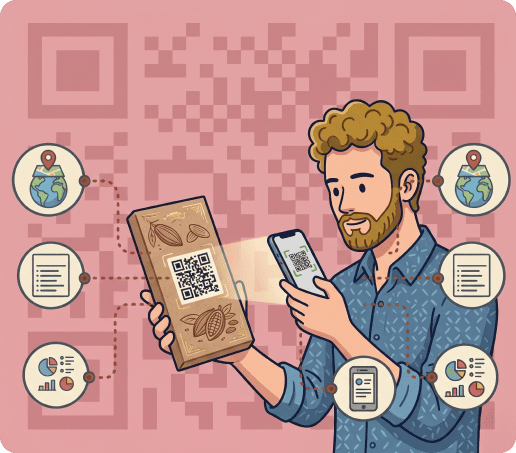
A payment QR code makes it easier to accept payments, donations, and tips. It’s a scannable code that directs a customer to a digital payment page when scanned with a smartphone.
Instead of typing account details or manually entering card numbers, a user points their device’s camera at the code and completes the transfer in just a few taps.
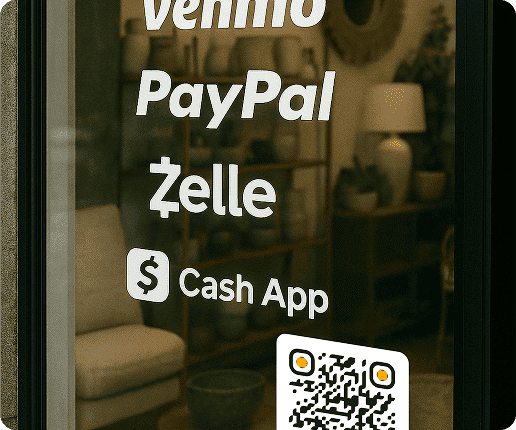
You can create a payment QR code for almost any online payment method or checkout page, including :
- Venmo
- PayPal
- Zelle
- Cash App
- Stripe
- Square
- Revolut
- Donation pages
- Tip jar links
- Digital invoices
- Event registration and ticket payments
- Custom checkout pages
- Any other payment URL
Each code is linked to your account, so customers can pay you directly. When someone scans the code, it takes them straight to your payment page, making the process quick and error-free.
QRNow allows you to create your payment QR code in seconds, making it easier for customers to pay however you choose.
How To Create a QR Code for Payments with QRNow
-
Copy your payment link
Copy the URL from your payment app, checkout tool, invoice platform, or donation page.
-
Choose the URL QR code option
Select a URL QR Code in QRNow so you can edit the destination later
-
Paste your payment URL
Add the link to your payment page, app profile, invoice, or checkout form.
-
Customize the design
Adjust the colors, frame, logo, and style to match your brand.
-
Test the payment flow
Scan the code on different devices to check the payment page opens correctly
-
Download and place your QR code
Add it to receipts, menus, flyers, invoices, signs, emails, or your website
Dynamic codes allow you to update the destination URL later without reprinting, making them ideal for businesses that evolve their payment strategies. By personalizing the design, you also create a professional appearance that aligns with your company’s image.
What Payment Apps Work With QR Codes?
Several well-known payment apps have integrated scannable payment options. Each works slightly differently, but ultimately provides customers with a straightforward way to pay.
The best option depends on how your customers usually pay and where you plan to display the QR code.
Below are the main apps and how your company can use them.
|
Payment app or platform |
Best for |
Where to place the QR code |
|---|---|---|
| PayPal | A flexible option when customers need to pay a business, invoice, donation, or online order through a familiar platform. | Invoices, receipts, checkout counters, websites, emails, printed marketing materials |
| Venmo | A practical choice for casual payments, tips, creators, and local services where customers already use mobile wallets, such as food establishments. | Menus, table tents, tip jars, flyers, service cards |
| Cash App | Useful for small businesses, salons, creators, and service providers that want a simple mobile payment option. | Flyers, invoices, checkout counters, service menus, social profiles |
| Zelle | Suitable for U.S.-based customers who prefer direct bank transfers through participating banks or credit unions. | Payment instructions, invoices, appointment cards, reception areas |
| Stripe | A strong option for card payments, deposits, product orders, and service payments without a full online store, such as a boutique clothing store. | Quotes, emails, invoices, product flyers, service pages |
| Square | Useful for retail, pop-ups, events, and appointment-based businesses, such as fitness centers | Checkout counters, table displays, receipts, appointment cards, event signs |
| Revolut | Helpful for freelancers, travel businesses, and clients who need simple payment requests or international-friendly transfers. | Proposals, invoices, business cards, service pages, travel documents |
Get started with your first QR code today
Enjoy full access to QRNow and create custom QR codes that look professional and on-brand. Sign up in seconds and start creating immediately.

Best Practices for Payment QR Codes
Here are some of the best practices if you decide to use QR codes for payments.
Designing payment QR codes
Keep the design simple. You should always use strong contrast, and avoid adding too many visual elements near it. This allows phone cameras to instantly identify and scan the code.
Add a clear call to action so customers know what to do. Short phrases like these work well:
- Scan to Pay
- Pay Invoice
- Leave a Tip
- Donate Now
- Pay by Card
If the QR code opens a specific app or payment page, say so nearby. For example, “Scan to pay with PayPal” or “Scan to open our checkout page.”
Printing and placing payment QR codes
The first rule of payment QR codes is that they should be easy to scan. Customers should know what the QR code will bring them to before scanning it.
Place the QR code where the payment action naturally happens. Good options include:
- Checkout counters
- Invoices or receipts
- Menus
- Table tents
- Flyers
- Event signs
- Appointment cards
You should always test the code before printing or sharing it.
Make sure to
- Scan it from the same distance your customers will use
- Check that the payment page opens correctly on mobile
Avoid placing the code on curved, folded, glossy, or cluttered surfaces. These can make the code harder to scan.
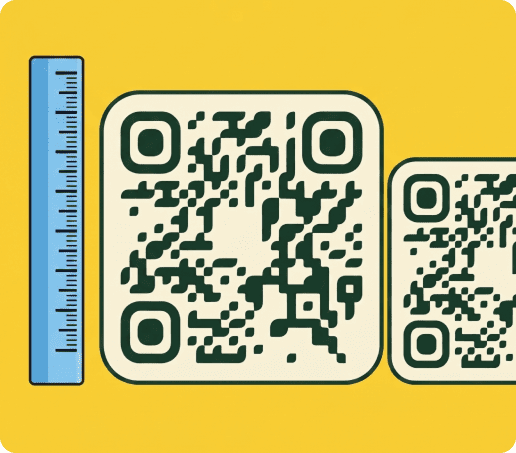
Suggested QR code sizes for payment QR codes
The size you should use depends completely on where you plan on placing your code. Here is a table to help give you an idea of appropriate sizes:
|
Use case |
Suggested size |
|---|---|
| Business cards | At least 0.8 x 0.8 in / 2 x 2 cm |
| Printed invoices, receipts | At least 1 x 1 in / 2.5 x 2.5 cm |
| Menus | At least 1.2 x 1.2 in / 3 x 3 cm |
| Table tents, flyers | At least 1.5 x 1.5 in / 4 x 4 cm |
| Checkout counter signs | At least 2 x 2 in / 5 x 5 cm |
| Event posters, window signs | At least 4 x 4 in / 10 x 10 cm |
| Large banners | At least 8 x 8 in / 20 x 20 cm |
Keep in mind that these are baseline recommendations. If you need to calculate the exact dimensions based on scanning distance or data density, make sure to check out our comprehensive QR code size guide
One QR Code for Multiple Payment Methods
Not every customer wants to pay the same way. Some prefer PayPal or Venmo. Others want to pay by card, bank transfer, invoice, or another payment app like Revolut.
The biggest advantage of using QR codes for payments is that you only need one code to accept all these different types of payments.
One dynamic QR Code can open a simple payment options page. From there, customers can choose the method that works best for them.
With QRNow, you can update the destination anytime. This means that if you add a new payment method or change your checkout page later, you do not need to reprint the QR code.
Benefits of Using Payment QR Codes
Using scannable payment codes offers clear advantages related to costs and your customers’ experience.
- Lower equipment costs: You avoid investing in card terminals since customers only need their phones.
- Faster transactions: Scanning eliminates manual entry, speeding up the checkout process.
- Accurate payments: Direct links to your account reduce human error in typing account details.
- Easy integration: You can place codes on receipts, posters, or business cards without additional hardware.
Tracking payments with QR codes
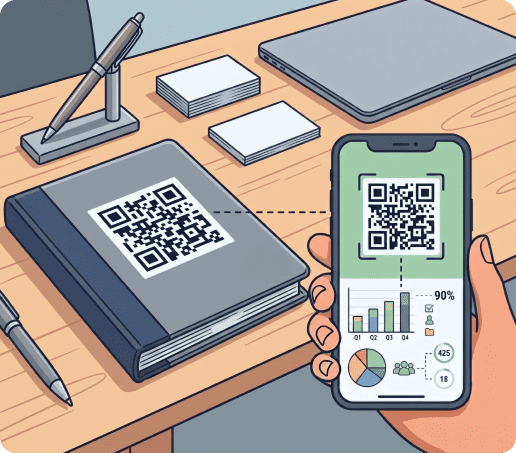
With a dynamic payment QR code, you can track scan activity from your QRNow dashboard.
This helps you understand which codes get attention and where customers are most likely to scan.
|
What you can track |
How it helps |
|---|---|
| Total scans | See how many times people scanned your payment QR code. |
| Unique scans | Understand how many different users interacted with the code. |
| Scans by location | Find out which store, event, or area gets the most interest. |
| Scans over time | See when customers scan most, such as lunch hours, weekends, or event days. |
| Device type | Check whether most scans come from mobile devices, tablets, or other systems. |
| Code performance | Compare codes on invoices, menus, flyers, counters, or event signs. |
| Destination edits | Update the payment link without reprinting the same QR code. |
FAQs
-
A QR payment system is a method that allows customers to transfer money by scanning a scannable code linked to a business’s account. The code contains embedded information such as a payment address or transaction ID.
Once scanned, the customer is directed to a payment screen where they approve the transfer. For more details on functionality, see our guide to editing codes.
-
Yes, you can include a specific payment amount in a QR code if the payment platform or checkout link supports pre-filled amounts.
You should always test the QR code before sharing it. Some apps may let customers change the amount, while others may lock the total at checkout.
-
Yes, paying through a scannable code is safe when you use trusted platforms like PayPal, Venmo, or Zelle. These services encrypt transaction details, which prevents interception by third parties.
This is also why it’s important to make sure that if you create QR codes, they are kept secure. According to the Federal Trade Commission, mobile payments using encrypted platforms offer strong protection against data theft.
-
The best format depends on where you want to use your payment QR code:
PNG or JPG for websites, emails, and simple digital materials SVG for printed materials, especially flyers, posters, menus, business cards, and signs- PNG or JPG for websites, emails, and simple digital materials
- SVG for printed materials, especially flyers, posters, menus, business cards, and signs
SVG is usually better for print because it can be resized without losing quality.
-
Your payment QR code may not work if the payment link is:
- Wrong
- Expired
- Restricted
- Not available in your customer’s location
It can also fail if the code is too small, blurry, damaged, or placed on a low-contrast background.