What Is a Facebook QR Code?
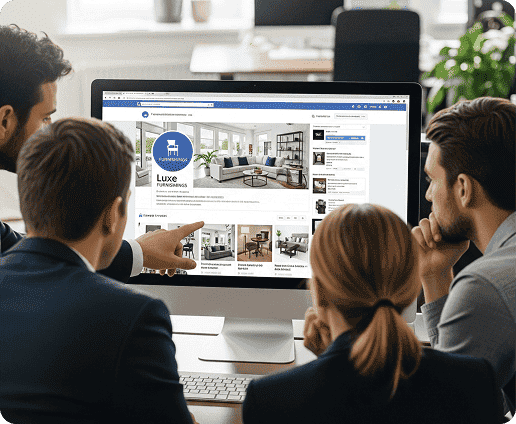
In simple terms, a Facebook QR code brings you to any type of Facebook page. You can use this QR code to bring people to:
- Your business’s Facebook page
- Your personal Facebook profile
- A Facebook group
- A Facebook event
- A specific Facebook post or video
- A Messenger chat
- A review page for your business
It’s the perfect tool if you need to quickly share any type of Facebook page with a large audience.
How to Create a Facebook QR Code with QRNow
Creating a QR code with our QR code generator takes just a couple of minutes. You can connect users to any page you want by following these steps.
-
Select the social media QR code
Start by choosing a dynamic social media QR code. This solution is designed specifically for social platforms
-
Add your Facebook link
Paste the Facebook URL you want people to visit. Think about your goal, and choose the page accordingly.
For example, if you want more people to attend your event, share an event page. If you want more followers share a link to your profile.
-
Customize your Facebook QR code
Next, you can completely customize your QR code. You can change the color, frame and style to match your brand, or make it more eye-catching. If you’re sharing a page related to your business, you can even add a logo to create a more professional appearance.
-
Download and add it to your materials
Once your design is ready, download the QR code in the format that suits your project. You can place it anywhere you think it will get seen, such as flyers, posters, menus, packaging, event signage, or digital campaigns.
-
Test before publishing
Scan your code with different devices to make sure it brings you to the correct Facebook destination. Once you have confirmed it works, you’re ready to go
Get started with your first QR code today
Enjoy full access to QRNow and create custom QR codes that look professional and on-brand. Sign up in seconds and start creating immediately.

Why Does QRNow use Social Media QR Codes for Facebook?
QRNow uses social media QR codes for Facebook because they offer more flexibility.
You can link to any type of Facebook page, including profiles, groups, events, and Messenger chats.
Using a dynamic social media QR code also allows you to update the code at any time, without having to print a new one. The same code can bring users to newer Facebook posts, or a completely different social media platform, such as Instagram or Tik Tok.
What Can You Link to With a Facebook QR Code?
Over 3 billion people use Facebook, including over 200 million businesses, all with different aims. The table below shows the best ways you can use different types of Facebook QR codes, no matter what your goal is.
|
Facebook QR Code Type |
Best For |
Why It Works |
|---|---|---|
| Facebook Page QR Code | Local businesses, brands, restaurants, shops, and organizations | Sends people straight to your main Facebook presence. It’s perfect for giving people the opportunity to follow you or check for any updates related to your event or business |
| Facebook Profile QR Code | Creators, consultants, freelancers, coaches, and public figures | Helps people connect with you directly. They will not have to manually search for your name or page. |
| Facebook Group QR Code | Communities, courses, memberships, clubs, and private networks | Makes joining a community simple from flyers, events, classes, or printed materials. |
| Facebook Event QR Code | Conferences, workshops, pop-ups, concerts, launches, and local events | Gives people instant access to event details, updates, location information, and RSVP options |
| Facebook Post QR Code | Promotions, announcements, contests, product launches, and seasonal campaigns | Directs users to a specific piece of content, so they see the exact offer, message, or update you want to promote. |
| Facebook Video QR Code | Product demos, tutorials, interviews, venue previews, and campaign videos | Lets people scan and watch visual content immediately, so you can get a complex message across with zero friction |
| Messenger QR Code | Customer support, bookings, quote requests, and direct inquiries | Opens a faster communication channel with clients. Users can instantly contact your business to make a reservation or ask questions. |
| Facebook Review Page QR Code | Restaurants, hotels, salons, clinics, local services, and stores | Encourages happy customers to leave feedback. Removes any friction for them to leave a positive review. |
| Facebook Campaign QR Code | Giveaways, limited offers, launches, influencer campaigns, and cross-channel promotions | Sends users to a campaign-focused Facebook destination, so your promotional campaign can grow with a simple scan that takes just seconds. |
QRNow data insight: QRNow’s social media QR codes are primarily used by small-scale ventures, with 56% of users identifying as small businesses. Another 38% are individual professionals or freelancers.
Art, culture, and media is the sector which most utilizes this type of QR code, at 31% of social media QR users.
Our QR codes also support organizations in industries such as food and restaurant, construction and real estate, government and public sector, and professional services and consulting.
Based on aggregated and anonymized QRNow customer usage data collected in 2025.
Facebook QR Codes Real Life Use Cases
Facebook QR codes can help different businesses turn everyday materials into direct access points for their Facebook content. Here are a few simple examples:
- Restaurants and cafés: Add a QR code to menus, receipts, table cards, or takeaway bags. Customers can scan to follow your Facebook page, get updates about new menu items, leave a review, or check upcoming events.
- Events and venues: Place the code on posters, tickets, banners, or entrance signs. Visitors can scan to view event details, RSVP, follow updates, or share the event with friends.
- Retail stores: Use QR codes on shopping bags, product tags, window displays, or checkout counters. Shoppers can scan to discover offers, follow your page, enter giveaways, or see new arrivals.
Best Practices for Creating a Facebook QR Code
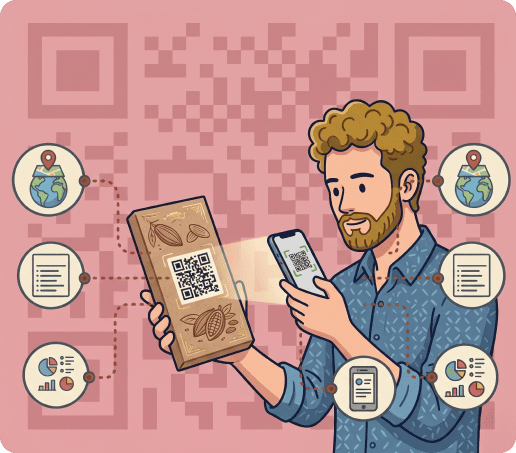
Your Facebook QR code will work best if people know exactly what they will get after scanning. Below are some of the best practices for designing and using your code.
Use a Facebook-specific call to action
You should tell users what’s going to happen when they scan the code. For example, you could include the following calls to action underneath or above the QR code:
- Follow us on Facebook
- Join our Facebook group
- RSVP on Facebook
- Message us on Facebook
- Leave us a review
Keep the Facebook benefit clear
Give people a reason to scan. You can entice them to connect with you by mentioning special offers, access to a community, event details, or exclusive content.
Use the right size QR code
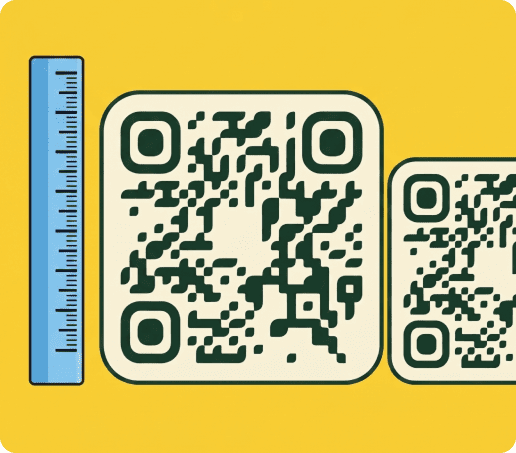
The size you choose should be based on what you want to use the QR code for. Here are some of the most common uses and their recommended size:
|
Use Case |
Suggested Size |
|---|---|
| Business cards | At least 2 x 2 cm / 0.8 x 0.8 in |
| Flyers | 1.2 x 1.2 in / 3 x 3 cm |
| Menus or table cards | 1.2 x 1.2 in / 3 x 3 cm |
| Posters | 2 x 2 in / 5 x 5 cm |
| Storefront displays | 4 x 4 in / 10 x 10 cm |
| Event banners | 6 x 6 in / 15 x 15 cm or larger |
Track Your Facebook QR Code Performance
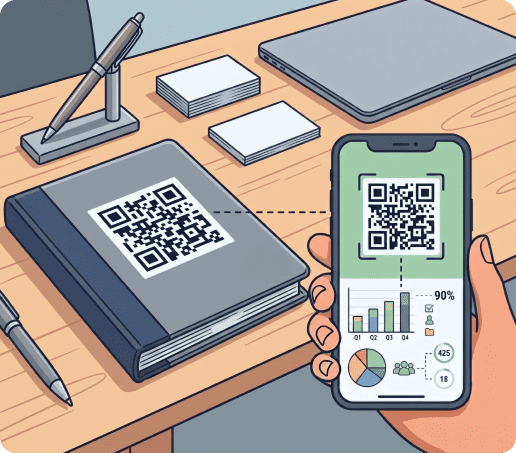
With QRNow’s dynamic QR codes, you can track how people interact with your Facebook QR code after they scan it. This helps you learn what can bring the most traffic to your Facebook content.
You can monitor useful metrics such as:
- Total scans: See how many times your Facebook QR code has been scanned.
- Unique scans: Understand how many individual users have interacted with your code.
- Scans over time: Find out when people scan most, such as during lunch hours, weekends, events, or after a promotion goes live.
- Device type: Check whether users scan mostly from iOS, Android, or other devices.
- Performance reports: Export and share scan data to review results with your team.
These insights can help you improve your Facebook campaigns. You can see where and when you get the most scans.
You can also use scan timing to plan Facebook posts and updates. You can make these updates when you know it will have the biggest impact.
FAQs
Does Facebook have a QR code?
Toggle faqs
Facebook offers simple QR codes for sharing your profile or Messenger chat. However, Facebook’s QR codes offer none of the rich features available with QRNow. With QRNow you can:
- Create completely custom QR codes that bring the user to any type of Facebook page or post.
- Completely customize the design of your code.
- Track how people are interacting with your code.
- Update the destination on Facebook without having to print new codes.
Why do I need to select a social media QR code to create a Facebook QR code?
Toggle faqs
QRNow uses the social media QR code format because it offers you more flexibility. You can link to any type of Facebook page, such as a profile, group, event, post, video, Messenger chat, or review page.
This format also allows users to interact with you across different social media platforms. If you ever decide to change your main social media platform, you can simply update this code to link to your Instagram, TikTok, or LinkedIn.
Can I change the Facebook link after printing the QR code?
Toggle faqs
Yes, if you choose a dynamic QR code, you can easily update the Facebook page the QR code brings you to. This can be done with just a couple of clicks.
What is the best format to download a Facebook QR code?
Toggle faqs
The best QR code format depends on where you will use the QR code. For example, PNG works well for websites, emails, and small digital materials.
If you want to print the QR code, PDF and SVG formats are recommended as they maintain the sharp quality of the code, even if you resize it.
Can I add my logo to a Facebook QR code?
Toggle faqs
Yes, QRNow lets you quickly add your logo or any design to the QR code. This can add a touch of professionalism to your code, which is always welcome if you’re using it for business purposes.
Why is my Facebook QR code not working?
Toggle faqs
You code may not be working if:
- The link is incorrect
- Your page is private or has been deleted
- The code is too small
- The surface it was printed on has been damaged
- Your camera is not working properly
Make sure to test out your code before you add it to any materials or public profiles.
Where should I place a Facebook QR code?
Toggle faqs
You should place your Facebook QR code somewhere people will have time and a good reason to scan it.
You can include it anywhere you think it might be useful, such as packaging, a menu, your website, promotional materials or receipts.