How Much Data Can Be Stored in a QR Code?
A standard QR code can store up to approximately 3 KB of data, though the exact amount depends on the version, character type, and error correction level used.
At maximum capacity, a QR code can hold:
- Up to 7,089 numeric characters
- Up to 4,296 alphanumeric characters (letters and numbers)
- Up to 2,953 bytes of binary data
- Up to 1,817 Kanji characters
Note that in most business applications, it is better to use less data to keep the code easy to scan and more reliable across different devices.
Understanding How QR Codes Store Data
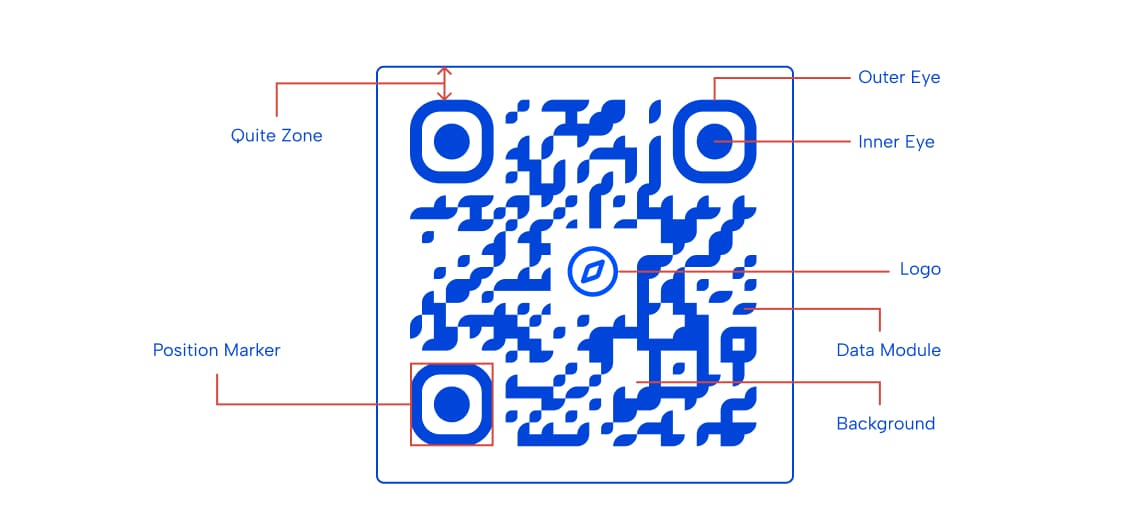
QR codes store information using a pattern of black and white squares. Although the pattern may look random, every square plays a specific role in helping the scanner locate, read, and decode the information stored inside.
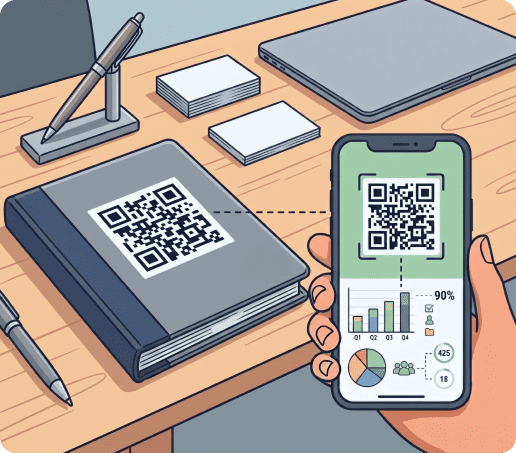
When someone scans a QR code, their device converts the pattern into binary code, a language made up of zeros and ones that computers can understand. The data is then translated into useful information (website URL, contact details, payment link, etc.).
Here’s how it works:
- Data is converted into binary code using a series of 0 and 1.
- Small black and white squares, called modules, visually represent the binary data.
- Different encoding modes are used for numbers, text, raw data, and Kanji characters.
- Patterns help scanners quickly detect the QR code.
- Error correction data allows damaged codes to remain readable.
- A quiet zone around the code separates it from surrounding graphics and text.
Factors That Affect QR Code Storage Capacity
Not all QR codes store the same amount of data. The capacity depends on a few important factors that affect how the code is built and how efficiently it stores information.
1. QR code version
QR code versions refer to the size of the QR code grid. A higher version means more rows and columns, which allows more data to be stored. In simple terms, a small code holds less information, while a larger one can hold more.
|
Versions |
Storage capacity |
Best for |
|---|---|---|
| 1–7 | Small amount of data | Simple links and basic text |
| 8–20 | Medium capacity | Business marketing and product pages |
| 21–40 | High capacity | Large business data and complex information |
For most business use cases, medium versions are usually enough. They are easier to scan and still hold enough information for marketing or product use.
2. Character type
The type of data you store also affects how much space you have. Some types of data take up more space than others.
For example, numbers take up the least space, while full URLs or complex text take more space. This is why businesses often shorten links before turning them into QR codes.
- Numbers = most efficient
- Letters and numbers = moderate
- Complex text or symbols = least efficient
Choosing simpler data helps you store more information in the same code.
3. Error correction level
Error correction is a built-in feature that helps QR codes remain readable even if they are damaged, dirty, or partially covered.
The higher the error correction level, the more damage the code can survive. However, higher protection also reduces how much data you can store.
|
Level |
Recovery ability |
Best use case |
|---|---|---|
| L | Low (about 7%) | Clean digital or indoor use |
| M | Medium (about 15%) | General business use |
| Q | High (about 25%) | Packaging and semi-outdoor use |
| H | Very high (about 30%) | Outdoor or rough environments |
Most businesses use Medium (M) because it balances reliability and capacity well.
How Much Data Do Different QR Code Types Hold?
QR codes are designed with different sizes and capacities depending on their purpose. Below is a comparison of how much data each type can store.
|
Type |
Data size |
Common applications |
|---|---|---|
| Standard QR code | Up to 4,296 alphanumeric characters | Websites, payments, marketing campaigns, general use |
| Micro QR code | Up to 80 alphanumeric characters | Small packaging, business cards, product tags |
| Mini QR code | Up to 35 alphanumeric characters | Jewelry tags, electronics, space-limited industrial labels |
Data Size in Static vs. Dynamic QR Codes
QR codes can be either static or dynamic, and this affects how they store data and how flexible they are.
Static QR codes
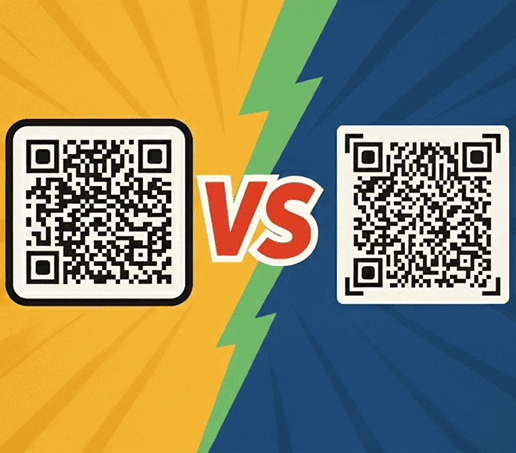
Static QR codes store the full information directly inside the code. Once created, you cannot change what is inside it. They are simple and fast, but not flexible. If you need to update the information, you must create a new code.
They are best for permanent links, fixed product information, and simple contact details.
Dynamic QR codes
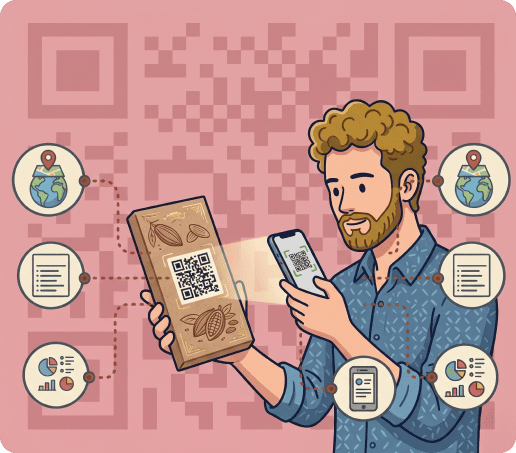
Dynamic QR codes do not store all the data directly. Instead, they store a short link that redirects to your content. This means you can change the destination anytime without changing the code itself.
This makes them very useful for businesses that run campaigns or need updates. Dynamic QR codes are widely used in modern marketing because they also allow tracking and updates.
Best Practices for QR Code Data Storage
If you want your QR codes to work well in real business situations, keep these simple practices in mind.
- Always keep the data as short as possible. Shorter codes scan faster and work more reliably.
- Use dynamic codes when your information might change over time. This saves you from reprinting them.
- Test your code on different phones before using it widely. This helps you avoid scanning problems later.
- Choose the right error correction level depending on where the code will be used.
Frequently Asked Questions
-
A standard QR code can store about 2,953 bytes of binary data, which is approximately 0.003 MB (3 KB). This is far less than one megabyte. They are designed to store small amounts of information.
-
The number of characters a QR code can hold depends on the type of data stored. A standard QR code can contain up to 4,296 alphanumeric characters, 7,089 numeric characters, or 1,817 Kanji characters.
Capacity also varies based on the version and error correction level. Higher error correction improves reliability but reduces available storage space.
-
Technically, a QR code can store image data, but doing so quickly exceeds its storage limits. Instead, you can link to images hosted online.
An image gallery QR code allows users to scan a code and instantly view one or multiple images without embedding the actual image file inside the code.
-
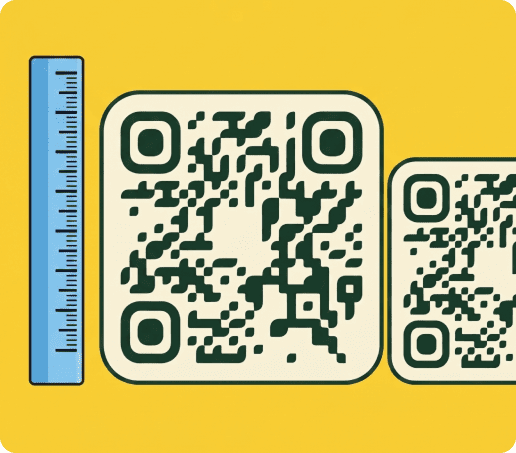
Yes. As more data is added, the QR code becomes denser because additional modules are needed to store the information. Denser codes can be more difficult for cameras to read, especially when printed at small sizes.
Maintaining adequate dimensions, contrast, and a clear quiet zone helps preserve scan reliability even when storing larger amounts of data.