What Is a Survey QR Code?
A survey QR code is a scannable code that directs users to:
- Surveys
- Questionnaires
- Feedback forms
Instead of typing a web address manually, users simply scan the code with their smartphone camera and access the form instantly.
You can use this solution for:
- Customer feedback
- Event evaluations
- Employee questionnaires
- Product reviews
- Training assessments
- Any other type of survey
How To Create a QR Code for a Survey
Creating a survey with QRNow only takes a few steps. For collecting opinions, ratings, and feedback, the most suitable option is a feedback QR code.
-
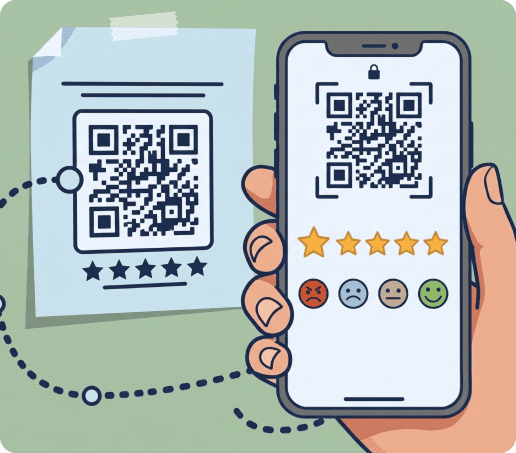
Choose a feedback QR code
A feedback QR code is designed specifically for:
- Gathering opinions
- Ratings
- Reviews
- Survey responses
Using a dedicated feedback solution helps organize responses efficiently and provides a faster and easier experience for every participant.
-
Add your survey questions or feedback form
Keep your survey focused and easy to complete on a mobile device. Most respondents are more likely to finish a short questionnaire than a lengthy form. Use simple question formats like:
- Star ratings
- Multiple choice questions
- Short text responses
- Satisfaction scales
- Yes or no answers
Only include questions that help you achieve your main goal.
-
Customize the survey QR code design
Customizing the design helps align the code with your brand while maintaining strong scan performance. You can add brand colors, frames, and visual elements that match your marketing materials.
You should maintain sufficient contrast between the code and background. You can do this by leaving enough white space around the edges to guarantee reliable scanning.
-
Add a clear call to action
The text placed next to your QR code for the questionnaire can significantly influence scan rates. A clear call to action tells people exactly why they should scan and what they will gain from doing so.
Simple phrases can reduce hesitation and encourage participation. Some examples are:
- Scan to share your feedback
- Tell us how we did
- Take our 2-minute survey
- Rate your experience
-
Download, place, and test your survey QR code
After creating your code, download it in a suitable format and place it where people will naturally notice it, such as receipts, posters, tables, or checkout areas.
Before publishing, test the code on different smartphones and from the expected scanning distance to make sure it scans quickly and opens the survey correctly.
Why Use a QR Code for a Survey?
Survey forms are most effective when they are easy to access. A scannable code removes unnecessary steps and encourages more people to participate. Using a QR code for surveys can help you:
- Make surveys accessible in physical locations.
- Capture feedback while experiences are still fresh.
- Eliminate the need to type long URLs manually.
- Increase response opportunities across multiple touchpoints.
- Connect printed materials with digital forms.
- Track scan activity and campaign performance.
Popular Ways To Use QR Codes for Surveys
Survey QR codes fit naturally into many industries and customer journeys. The key is placing them where people already engage with your products, services, or events.
|
Use case |
Where to place the QR code |
Example CTA to place near the code |
|---|---|---|
| Customer satisfaction surveys | Receipts, checkout counters, invoices | Share your experience |
| Event feedback forms | Event slides, badges, exit areas | Tell us what you think |
| Restaurant, café, and hotel reviews | Tables, menus, receipts, guest rooms | Rate your visit |
| Product feedback surveys | Product packaging, manuals | Share product feedback |
| Employee feedback questionnaires | Office notice boards, internal materials | Submit anonymous feedback |
| Education or training surveys | Course materials, classroom displays | Evaluate this session |
Survey QR Codes vs. Other Survey Collection Methods
Survey codes provide a practical way to gather responses at physical locations and immediately after customer interactions.
|
Method |
Best for |
Main limitation |
How QR code surveys compare |
|---|---|---|---|
| Paper surveys | Simple offline collection | Manual data entry | Faster and fully digital |
| Email surveys | Existing customer lists | Low open rates | Captures feedback immediately |
| SMS surveys | Mobile communication | Can feel intrusive | Requires user initiated action |
| Website pop-up surveys | Website visitors | Limited to online traffic | Works in both offline and online settings |
| In-person interviews | Detailed responses | Time consuming | Easier to scale and automate |
According to research published by Salesforce, consumers increasingly expect seamless digital interactions throughout their customer journey. Connecting physical experiences to mobile surveys helps meet those expectations while improving response opportunities.
How To Track Survey QR Code Performance
Dynamic QR codes provide valuable data that helps improve survey participation and campaign effectiveness. Key metrics include:
- Number of scans
- Scan locations
- Device types
- Date and time of scans
- Performance by placement, campaign, or location
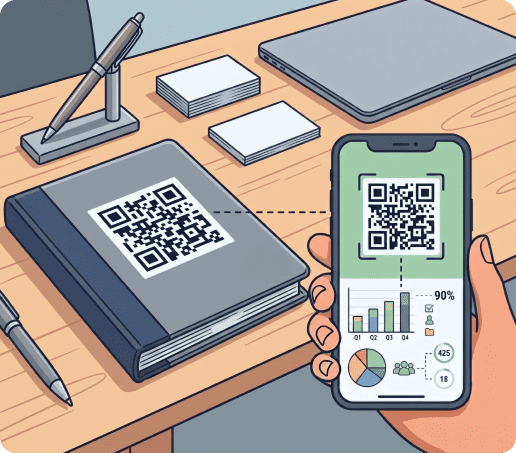
Tracking these metrics allows you to understand which channels generate the most activity. For example, you may discover that codes placed on packaging outperform those on posters, or that event signage generates more scans than printed handouts.
Using separate codes for receipts, product packaging, event displays, and promotional materials allows you to compare performance across channels and optimize future campaigns.
Advanced analytics tools provide deeper visibility into user engagement and scanning behavior.
Best Practices for QR Code Surveys
A well designed survey QR code can improve participation rates and help you collect more accurate feedback. The following practices can make a significant difference.
Keep the survey short and mobile friendly
Most users scan and respond using their phones. Long forms often lead to abandoned surveys and incomplete responses.
Aim for around 5 to 7 questions. Use simple formats such as ratings, multiple choice selections, and short text responses. Keep every question relevant to your objective and remove anything that does not provide useful insights.
Make the QR code easy to scan
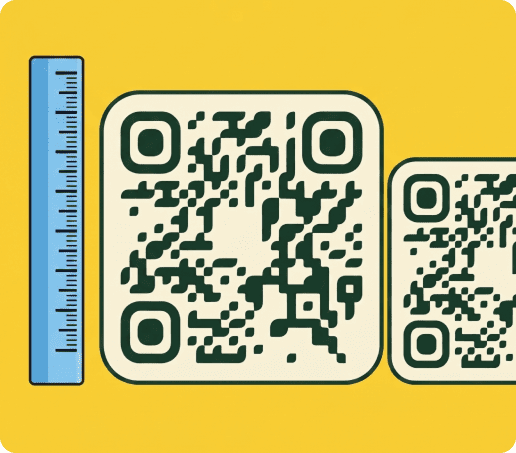
A survey QR code should be easy to scan in different environments and from the expected viewing distance.
Make sure to:
- Use a code size that matches where the code will be displayed
- Maintain strong contrast between the code and its background
- Leave sufficient white space around the edges
Avoid placing QR codes on reflective surfaces or busy backgrounds. These can interfere with scanning and create a frustrating user experience.
Place the code where feedback feels natural
Timing plays an important role in feedback collection. People are more likely to respond when the experience is fresh in their minds.
To maximize responses, place the QR code for surveys where customers naturally interact with your business, such as on:
- Receipts
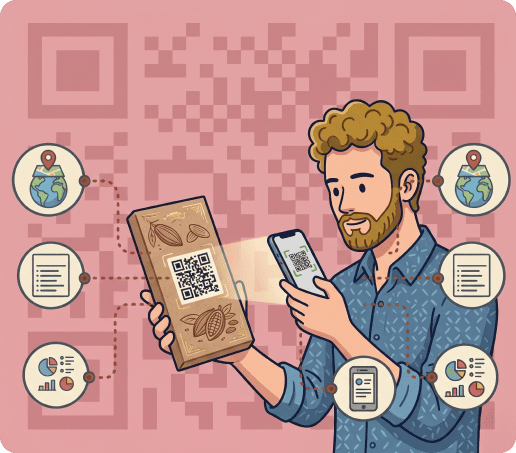
- Product packaging
- Restaurant tables
- Event slides
- Checkout counters
- Hotel rooms
- Employee notice boards
- Training materials
For example, hospitality organizations can collect guest feedback immediately after a stay, while restaurants can request reviews directly after a meal.
Build trust before users scan
People want confidence that the survey is legitimate and secure. Including recognizable branding helps increase trust and participation.
Include recognizable branding, such as your:
- Company logo
- A brief explanation of the survey's purpose
- Information about how long it will take to complete
- Relevant privacy details
This can help build confidence and encourage more responses
For publicly displayed codes, inspect them regularly to make sure they have not been covered, replaced, or tampered with. Maintaining trust is essential for successful survey campaigns.
Frequently Asked Questions
-
Yes. You can create a QR code for a Google Forms survey by copying the form URL and adding it to a QR code generator. Users who scan the code will open the form instantly.
If your primary goal is collecting customer opinions and ratings, a dedicated feedback QR code may provide a more focused experience.
-
A feedback QR code is generally the best choice for collecting reviews, ratings, opinions, and survey responses. It is designed specifically for feedback collection and works well for customer satisfaction surveys, employee questionnaires, event evaluations, and product reviews.
-
Yes. Dynamic QR code analytics allow you to track scan activity, including:
- Scan volume
- Device types
- Locations
- Engagement patterns
Survey responses themselves are usually tracked within the survey platform. In turn, QR analytics help you understand how users interact with the code before reaching the questionnaire.
-
Place survey codes where people naturally have time and context to respond. Effective locations include:
- Receipts
- Checkout counters
- Restaurant tables
- Product packaging
- Event slides
- Office notice boards
- Handouts
- Promotional materials
The closer the survey is to the customer experience, the more likely users are to participate.
-
Yes. Dynamic QR codes allow you to change the destination link without reprinting the code. This flexibility is useful when updating surveys or launching new feedback campaigns.
yOU can continue using existing printed materials while directing users to updated content.
-
No. Most modern smartphones include QR scanning functionality directly within the camera application. You can simply open their camera, point it at the code, and tap the notification that appears. In most cases, no additional software or dedicated scanning app is required.